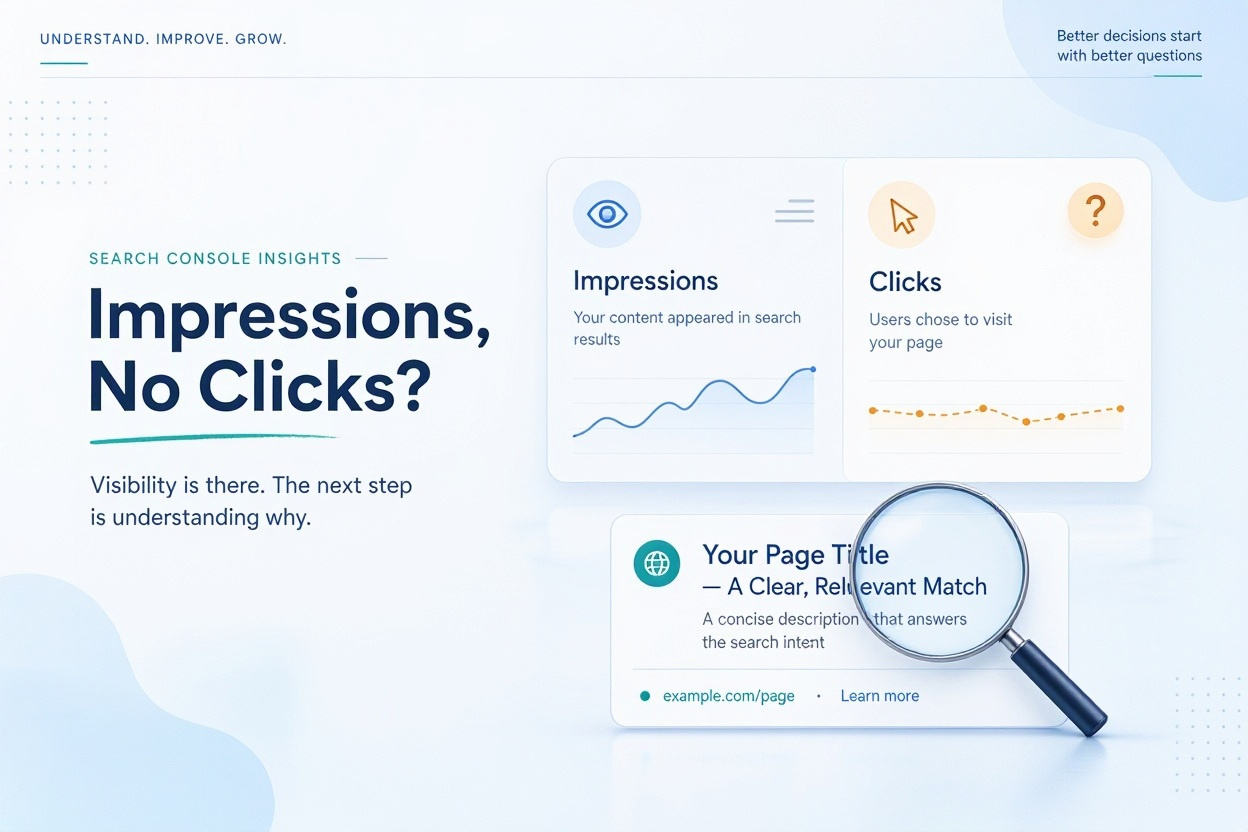
Your Google Search Console impressions are increasing, but clicks remain at zero. Google appears to be showing your website, yet nobody is visiting through those results.
Before rewriting your titles or publishing more content, check what those impressions represent.
Impressions without clicks can reflect limited visibility, a small sample, a mismatch between the query and the page, or a search result that gives users little reason to visit. Search Console records performance, but it does not tell you exactly why an individual user did not click.
The investigation should start with a specific query and page not a site-wide CTR number.
What Do Impressions and Clicks Mean?
An impression records an appearance of your site’s link or content under Google’s counting rules. The exact visibility requirements vary by result type. It does not prove that someone carefully read your title.
A click records a qualifying interaction leading from Google to your site. Impressions are not unique people or a keyword’s total search volume.
Click-through rate is calculated as:
CTR = Clicks ÷ Impressions × 100For example, 10 clicks from 500 impressions produces a 2% CTR. Zero clicks from 500 impressions produces a 0% CTR.
That calculation describes the result. It does not diagnose the cause.
1. Check Your Date Range and Filters
Open Performance → Search results and review the report settings.
Confirm the date range, search type, and any page, query, country, or device filters. Enable clicks, impressions, CTR, and average position.
For an initial review, a three-month period can be useful. A low-traffic website may need a longer period before clear patterns emerge.
Avoid comparing:
One week with an entire month.
Mobile results with all-device results.
A branded query with an unrelated generic query.
Image-search performance with standard web-search performance.
Write down the filters you use so you can repeat the comparison after making changes.
2. Decide Whether There Is Enough Data
Zero clicks from a handful of impressions may not require action.
Consider these hypothetical examples:
| Observation | How to approach it |
|---|---|
| 12 impressions and no clicks | Too little evidence for a strong conclusion |
| 800 impressions spread across many unrelated queries | Group relevant queries before judging performance |
| Persistent impressions for one relevant query with no clicks | Investigate the landing page and search result |
| Clicks disappeared from a previously successful query | Compare periods and check what changed |
There is no universal impression threshold that proves a problem.
For perspective, if every impression hypothetically had an independent 1% chance of producing a click, receiving zero clicks from 50 impressions would still have about a 61% probability.
That is a mathematical illustration, not a model of real search behaviour. It explains why small samples can be misleading.
3. Connect the Query to the Page
In the Queries table, select a relevant search term. Then switch to Pages to see which URLs received impressions for it.
You can also start with a page and inspect its queries.
Remember that Search Console omits some queries for privacy and reporting reasons. Most page performance data is assigned to canonical URLs. Visible query rows therefore do not always explain every impression or click in the totals.
Read the page that appears for the query.
For example, someone searching for “Screaming Frog free version limits” probably wants a direct explanation of those limits. A broad article introducing technical SEO may only briefly mention the tool.
That mismatch is worth investigating before changing the article’s title.
4. Review Average Position Carefully
Average position is an aggregate of recorded positions, not a fixed ranking that every searcher sees. Search-result layouts also affect how position should be interpreted.
Use it to guide your investigation:
When visibility is consistently low, review whether the page adequately addresses the query.
When visibility appears stronger but clicks remain absent, examine the displayed result and competing options.
When position varies substantially, narrow the analysis by query, country, device, or date.
Do not translate an average position directly into a guaranteed search-results page number.
A title rewrite may clarify your result, but it will not automatically solve weak visibility or a page that answers the wrong question.
5. Check the Searcher’s Intent
Ask what someone entering the query is trying to do.
| Query | Likely need | Suitable content |
|---|---|---|
| what is a canonical tag | Understand a concept | Clear explanation with examples |
| canonical vs 301 redirect | Choose an approach | Comparison and decision guidance |
| check canonical tag in Chrome | Complete a task | Browser-based walkthrough |
| technical SEO audit service | Evaluate a service | Service details, scope, and contact information |
These are interpretations to validate, not rigid categories.
Review the page against the likely need:
Does it answer the question near the beginning?
Does it provide the format the task requires?
Does the title accurately describe what visitors will get?
Does the page require readers to search through unrelated material?
If the page serves a different purpose, a separate resource may be appropriate. If the answer belongs naturally in the existing article, improve that article.
6. Examine the Actual Search Results
Search a few representative queries and inspect the result layout.
Look for whether the results emphasise articles, videos, products, local businesses, official documentation, or immediate answers.
Treat this as a current observation. Your own search may differ from the searches recorded in Search Console because results vary by time, place, device, and user context.
Useful questions include:
Is your page offering the type of result people appear to need?
Do competing titles describe the task more clearly?
Does the results page already provide a complete answer?
Is your result visually difficult to notice?
Does your page offer something useful beyond the short answer?
The layout may help explain the pattern, but it does not prove why users did not click. Avoid attributing every zero-click query to one search feature.
7. Make the Title Specific and Accurate
A title should help readers recognize the page’s purpose.
Compare:
Vague title:
SEO Tips and Information
More specific title:
How to Find Broken Internal Links With Screaming Frog
Google recommends descriptive, concise titles and avoiding keyword stuffing or repetitive boilerplate. It also generates title links automatically, so the search result may not exactly match your HTML title.
Improve the title when you can identify a genuine weakness.
Do not add “free,” “official,” “guaranteed,” or a current year unless the content supports that claim.
A useful exercise is to finish this sentence:
After clicking this result, the reader will be able to…
Write the title around that outcome without exaggerating it.
8. Review the Snippet and Meta Description
The description beneath the title should help readers understand what the page offers.
For example:
Generic description:
Read our latest article for useful SEO tips and information.
More informative description:
Find broken internal links with Screaming Frog, locate their source pages, export the results, and verify your repairs.
Google primarily generates snippets from page content and may use the meta description when it provides a better summary. Different queries can produce different snippets.
Review both the metadata and the visible article.
If the displayed text is vague, check whether the introduction clearly explains the subject. If the description promises instructions the article does not contain, fix that mismatch.
Editing the meta description influences a possible source of snippet text. It does not directly control every search result.
9. Separate Relevant Visibility From Unhelpful Visibility
More impressions do not always mean more qualified opportunities.
Suppose your article starts appearing for a broad term with only a loose connection to its subject. Impressions may increase while clicks remain unchanged.
The overall CTR would then decline even if your performance for the original relevant queries stayed stable.
Group queries by the problem they express. Review whether the new visibility comes from people you can actually help.
For a service business, impressions from a country you do not serve may deserve a different response from impressions for a highly relevant local service query.
Avoid reshaping a useful article around every unexpected phrase in the report.
10. Investigate Changes Over Time
If a page previously received clicks, compare equivalent periods.
Google recommends investigating traffic changes using page and query patterns, and considering factors such as seasonality and changing search demand. Google Trends can help assess whether interest changed more broadly.
Ask:
Did clicks fall, or were they always absent?
Did impressions come from a different mix of queries?
Did position change?
Was the page edited or moved?
Did the decline affect one page or many?
Is the topic seasonal?
If impressions are historical, they do not establish that the page is still indexed today. When a sudden change suggests an availability problem, inspect the current URL separately.
11. Choose One Evidence-Based Action
Use your findings to select a focused next step.
| Finding | Possible action |
|---|---|
| Very little data | Continue monitoring before changing the page |
| Relevant query, incomplete answer | Improve the relevant content |
| Vague or repeated title | Write a more descriptive title |
| Snippet does not explain the page’s value | Review the introduction and meta description |
| Query requires a different type of resource | Assess whether to create a separate page |
| Impressions come from irrelevant searches | Keep focus on the intended audience |
| Formerly successful page has declined | Investigate changes and technical status |
Do not rewrite every title on the website because the overall CTR looks low.
A small set of documented changes is easier to evaluate than a complete overhaul with no clear hypothesis.
12. Measure the Result Fairly
Record the page, query group, change date, and reason for the update.
After enough new data accumulates, compare the same filters and similar periods. A four-to-eight-week review can be a practical starting point, but low-volume pages may need longer.
Review clicks alongside impressions, CTR, and position.
If CTR rises while impressions fall sharply, check whether the remaining impressions simply come from more relevant queries. If clicks rise alongside a ranking improvement, do not attribute the whole increase to the title alone.
A before-and-after comparison is useful observational evidence. It does not isolate every cause.
Frequently Asked Questions
Q1. Is 0% CTR Always a Problem?
No. A small sample or limited visibility can produce zero clicks without indicating a specific defect.
Q2. What Is a Good Organic CTR?
There is no single useful target for every query and website. Compare similar queries, positions, devices, and search contexts rather than applying one benchmark everywhere.
Q3. Do Impressions Mean People Visited My Website?
No. Impressions describe search appearances under Google’s counting rules. They are not website visits.
Q4. Should I Change My Meta Description First?
Only if your review identifies a problem with it. Low visibility or mismatched intent may be more important.
Q5. Does More Content Automatically Produce More Clicks?
No. Additional content should address a clear reader need. Publishing more pages does not resolve an unclear title, an unsuitable landing page, or insufficient evidence.
Start With One Query and One Page
Choose a relevant query with a persistent pattern. Identify its landing page, review visibility and intent, and inspect how the result appears.
Then make the smallest meaningful improvement supported by those findings. That gives you a clear reason for the change and a fairer way to evaluate what happens next.