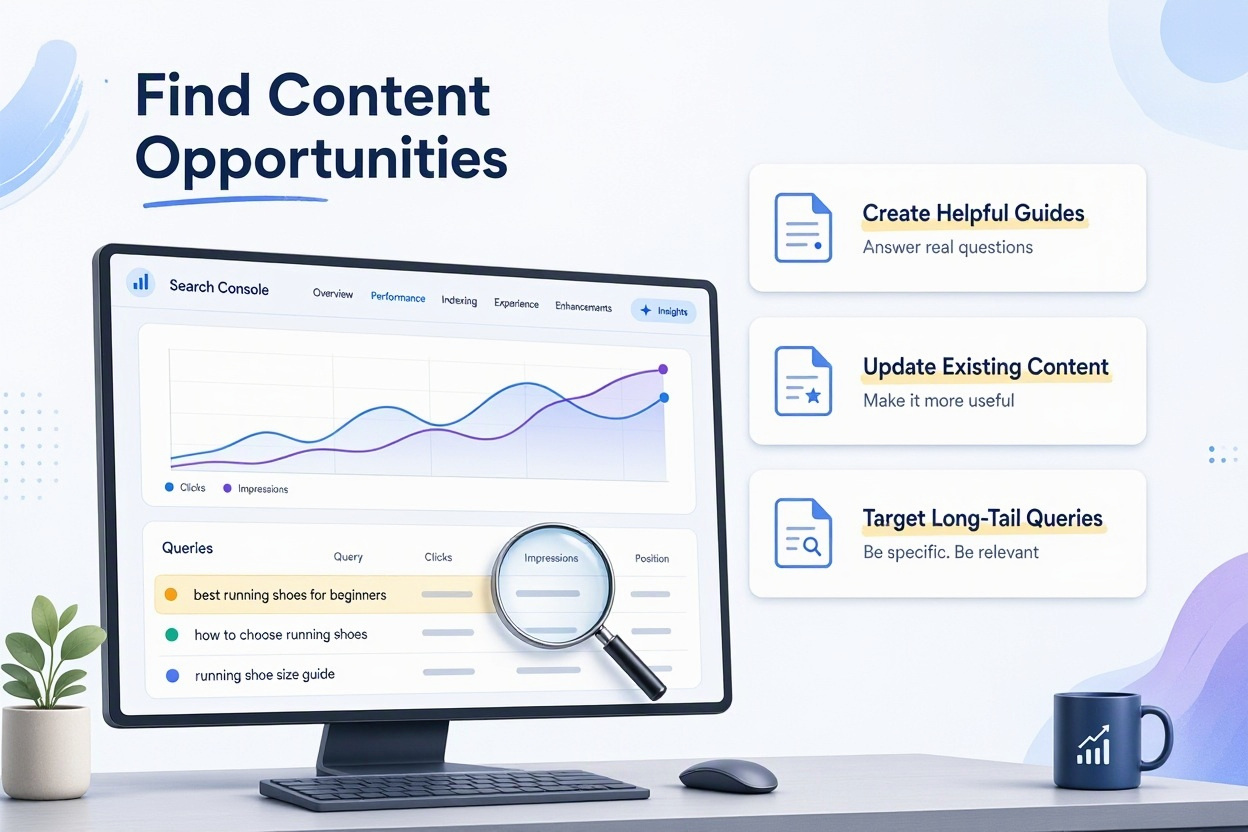
Finding your next article idea does not always require starting with a keyword research tool. Sometimes the most useful clues are already in your website’s search data.
Google Search Console shows queries associated with your site’s visibility, the pages receiving traffic, and how performance changes over time. Its Performance report includes clicks, impressions, click-through rate, and average position.
The opportunity comes from connecting those numbers to a reader’s needs.
A query might reveal an unanswered question. An existing article might attract impressions for a topic it barely explains. A page that previously performed well might need a substantive update.
This guide explains how to turn those observations into a practical content plan.
What Counts as an SEO Content Opportunity?
A content opportunity is a specific improvement you can make to help the audience you want to reach.
It might involve:
Adding a missing explanation to an existing article.
Creating a separate guide for a distinct question.
Replacing outdated instructions.
Improving a title that does not describe the page clearly.
Connecting related articles through useful internal links.
The goal is to finish your analysis with a concrete action, such as:
Add a permissions comparison to the Search Console access guide because readers are finding it through questions about permission levels.
That is more actionable than “optimize this page for more keywords.”
1. Set Up a Useful Performance Report
Open your website property in Google Search Console and go to the Search results Performance report.
Select a consistent search type and date range, then enable:
| Metric | What it tells you |
|---|---|
| Clicks | How often users clicked a result leading to your site |
| Impressions | How often your site appeared in search results |
| CTR | Clicks divided by impressions |
| Average position | The average position of your topmost result for the grouping being measured |
Use the Queries and Pages tabs to investigate search terms and landing pages. Country and device filters can help narrow the analysis.
As a practical starting point, review three months of data. For a small website with sparse activity, consider a longer period so that a few isolated impressions do not dominate your decisions.
Keep the chosen filters in your notes. You need them later to make a meaningful comparison.
2. Review Queries With Visibility but Few Clicks
Sort the Queries table by impressions and review terms relevant to your audience.
Google specifically identifies high-impression, low-CTR queries as a useful starting point for investigating titles and descriptions. However, query data is incomplete: some terms are anonymized, and reporting limits exclude others.
Do not assume every low-CTR query needs a new title.
For each candidate, ask:
What is the searcher trying to accomplish?
Which page appears for that query?
Does that page provide the expected answer?
Is the title a clear description of that answer?
Is the result competing with formats that satisfy the question directly?
For example, a broad “SEO Basics” article might appear for “how to check a canonical tag.” The opportunity could be a practical inspection section, rather than a more attention-grabbing title.
There is no single CTR target that makes sense for every query. Compare similar situations instead of applying one percentage across the website.
3. Connect Each Query to Its Landing Page
Select a query to filter the report, then switch to the Pages tab. You can also select a page and return to Queries to investigate its search terms.
Remember that most Performance data is attributed to canonical URLs. Multiple URLs appearing for a query do not, by themselves, prove a harmful content conflict.
Read the actual landing page before deciding what to change.
Suppose a tutorial about adding Search Console users receives impressions for:
Search Console owner vs full user
Search Console restricted user permissions
remove user from Search Console
These hypothetical queries suggest different reader needs. The first two may fit a permissions section. The third might deserve a short removal walkthrough.
The decision depends on what the article already covers and how much explanation each question requires.
4. Build a Shortlist of Pages With Room to Improve
As an editorial screening rule, you might review relevant queries with average positions around 5–20.
This is a working filter, not a Google recommendation or a promise of easy ranking improvements. Average position combines observations and should not be treated as one fixed ranking.
Prioritize a page when you can identify a specific weakness:
Instructions skip an important step.
An example is outdated.
A comparison leaves out the deciding factor.
Readers need a screenshot to follow the process.
The answer is buried below a long introduction.
Avoid expanding an article merely to increase its word count. Google’s content guidance emphasizes useful, reliable information and original value rather than writing to an assumed preferred length.
A short clarification may be more useful than another thousand words.
5. Group Related Questions Before Planning Articles
Review query phrases for repeated needs, such as:
How to perform a task.
Why something is happening.
The difference between two options.
How to fix an error.
Whether a feature is necessary.
Group variations that would be satisfied by the same answer.
For example:
| Hypothetical query group | Reader’s need | Possible action |
|---|---|---|
| Google changed my description and “wrong meta description in Google | Understand unexpected snippets | One troubleshooting article |
| canonical vs redirect and 301 or canonical | Choose between two methods | One comparison guide |
| how to inspect canonical HTML | Perform a technical check | A walkthrough or a focused section |
Do not create separate articles just because the wording differs.
Write a one-sentence description of the reader’s problem for each group. If two groups have the same problem and require the same answer, they probably belong together.
6. Decide Whether to Update a Page or Create a New One
Use this editorial test:
| Situation | Likely next step |
|---|---|
| The question fits the existing article’s purpose | Improve that article |
| The article mentions the answer but does not explain it | Add a focused section or example |
| The question requires a different workflow or audience | Consider a separate article |
| Another existing page already answers it well | Review linking and page positioning |
| The query is irrelevant to your intended readers | Leave it out of the content plan |
Imagine a guide about meta descriptions receives a few impressions for “best website hosting.”
That does not automatically justify adding hosting recommendations. A query’s appearance in the report is evidence to investigate, not an instruction to publish.
Google recommends evaluating whether content serves an intended audience and provides a satisfying answer.
7. Investigate Declining Pages
Compare equal date ranges to identify pages or queries that have lost clicks or impressions.
Before rewriting, consider whether the decline reflects changing demand, seasonality, technical problems, or a broader search-performance change. Google recommends using Search Console alongside Google Trends when investigating traffic drops.
For example, declining interest in a seasonal topic may not indicate an outdated article.
A useful review sequence is:
Identify which queries lost visibility.
Check whether the page still answers them accurately.
Look for broken examples or outdated instructions.
Check whether the decline affects similar pages.
Record the most plausible explanation before editing.
If the page has indexing problems, address those first. Search Console also provides information about how Google discovers, crawls, and indexes your pages.
8. Prioritize Opportunities With an Action Table
The following numbers are fictional and illustrate the workflow. They are not website results or traffic forecasts.
| Query | Impressions | Clicks | Average position | Proposed action |
|---|---|---|---|---|
| Google showing different meta description | 1,200 | 18 | 8.6 | Add a clear diagnostic checklist |
| canonical vs 301 redirect | 700 | 14 | 11.2 | Improve the decision examples |
| Search Console permission levels | 450 | 9 | 9.4 | Add a permissions comparison |
| how to inspect a canonical tag | 180 | 3 | 15.8 | Assess whether a separate walkthrough is needed |
Choose work using four considerations:
Relevance: Does it serve your intended audience?
Evidence: Does the pattern persist beyond a few isolated impressions?
Usefulness: Can you identify a meaningful improvement?
Effort: Is the improvement realistic with your available time?
You do not need a complicated scoring formula. A short list of well-supported actions is enough.
9. Measure the Result Without Overclaiming
Before publishing an update, record the URL, date, target query group, and changes made.
Review the same filtered data after the page has had time to accumulate new observations. Four to eight weeks can be a useful first review window, but a low-traffic page may require longer.
Compare clicks and impressions alongside CTR and position. Keep country, device, and search-type selections consistent.
Treat the result as observational evidence. If clicks increase after an update, the change may have helped, but demand, rankings, and other factors may also have contributed.
Frequently Asked Questions
Q1. Are Search Console Impressions the Same as Keyword Search Volume?
No. Impressions measure appearances of your site in search results, not every search made for that keyword.
Q2. Can a Small Website Use This Method?
Yes, but treat sparse data cautiously. Review a longer period, group related queries, and prioritize clear improvements over percentage changes based on one or two clicks.
Q3. Should Every Query Become a Blog Post?
No. Several phrases may express the same need. Decide what answer the reader requires before choosing how many pages to create.
Q4. Can Search Console Find Every Potential Topic?
No. Its data reflects your site’s existing search visibility, and some queries are omitted. Use it to uncover opportunities around observed demand, then supplement it with audience questions and broader research.
Start With One Page
Choose an article that receives relevant impressions, inspect its query patterns, and identify one unanswered question.
Make the improvement, record what changed, and review comparable data later. Repeating that process gives you a content plan grounded in real reader needs rather than a growing list of disconnected keywords.