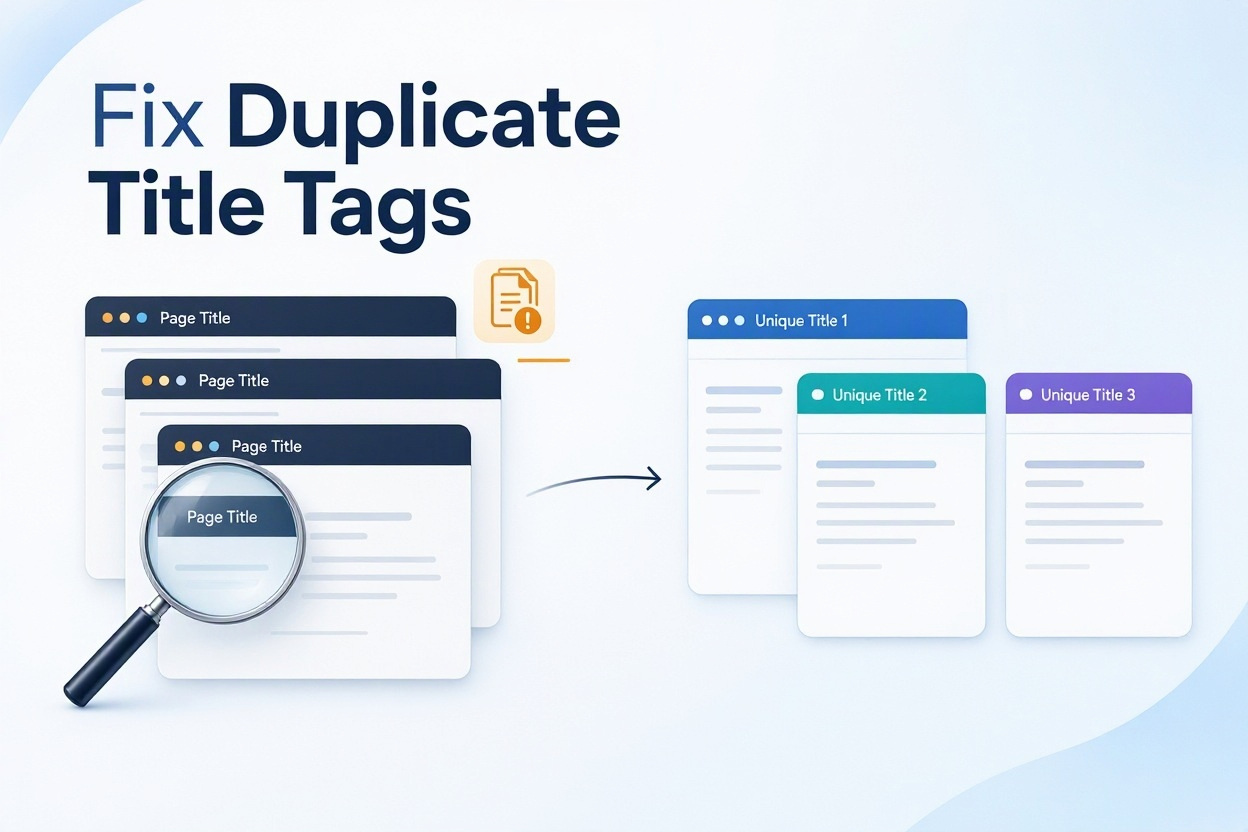
You publish several articles, each covering a different subject. However, a website crawl shows that they all use the same title: “Blog | Example Brand.”
The content may be different, but the titles do not communicate those differences.
Duplicate title tags occur when multiple URLs share the same HTML page title. Screaming Frog flags these under its duplicate page-title issue. The appropriate fix depends on whether the URLs represent distinct pages or duplicate versions of the same content.
Before rewriting every title, investigate why the repetition exists. A shared template problem needs a different solution from an old URL that should redirect.
What Is a Title Tag?
The title tag is an HTML element in the document’s <head>:
<title>How to Find and Fix Duplicate Title Tags</title>It is different from the visible heading in the page body:
<h1>How to Find and Fix Duplicate Title Tags</h1>The two can use the same wording. That is not the same issue as several separate pages sharing one title.
Google may use the title element when generating a search result’s title link, but it also considers headings and other sources. Your HTML title is therefore not a guarantee of the exact wording displayed in search.
Duplicate Titles vs. Multiple Title Tags
These are two different problems:
| Issue | Example | What needs investigation |
|---|---|---|
| Duplicate titles across URLs | Three articles all use “SEO Guide” | Page differentiation, templates, or duplicate URLs |
| Multiple title elements on one page | One document contains two <title> elements | Conflicting metadata output |
Screaming Frog provides separate Duplicate and Multiple filters in its Page Titles tab. Its documentation identifies conflicting CMS plugins or modules as a possible cause of multiple title elements.
Make sure you are fixing the issue your report actually identifies.
Why Duplicate Title Tags Deserve Attention
Google recommends descriptive, concise titles and avoiding repeated boilerplate that makes pages difficult to distinguish.
Consider these three pages:
/blog/sitemap-errors//blog/broken-internal-links/
/blog/duplicate-title-tags/
If all three use “Technical SEO Guide,” readers cannot easily tell which problem each page addresses from its title alone.
A more useful set would be:
How to Troubleshoot Sitemap Errors
How to Find Broken Internal Links
How to Find and Fix Duplicate Title Tags
A duplicate-title warning is not, by itself, proof of a penalty or the cause of a ranking decline. Treat it as a finding to investigate.
1. Crawl Your Website
Open Screaming Frog SEO Spider, select Mode → Spider, enter your website address, and start the crawl.
Allow the crawl to finish before preparing your final repair list.
Keep a note of the crawl’s scope. If it stops at a limit or excludes a section, your results cover only the URLs actually inspected.
For a small website, manually checking a few important pages can supplement the crawl. For a larger site, the crawl helps reveal repeated patterns that are difficult to spot page by page.
2. Open the Duplicate Page Titles Report
Go to:
Page Titles → Duplicate
Use Export to save the affected URLs for review. Screaming Frog triggers this issue when multiple URLs have the same page title.
Review the page address, title, and indexability information. Sort or group the exported rows by title so related cases appear together.
Also review the Missing and Multiple filters separately. Fixing repeated wording will not resolve an absent title or two competing title elements.
An illustrative duplicate group might look like this:
| URL | Current title |
|---|---|
| /services/seo-audit/ | SEO Services |
| /services/technical-seo/ | SEO Services |
| /services/content-optimization/ | SEO Services |
These pages may need more descriptive titles—but first confirm that their content genuinely differs.
3. Inspect a Sample of the Published Pages
Open several affected URLs and inspect their published HTML.
Search for:
<title>Compare the output with the title saved in your CMS.
Ask:
Does the published page use the intended value?
Is a site-wide default replacing the page-specific title?
Did the editor save the change?
Does more than one component output a title?
Does the title change after the page finishes loading?
If JavaScript controls metadata, inspect the rendered document as well as the original source.
This is a verification exercise. Do not assume that the text displayed in an admin field is what the public page delivers.
4. Identify the Cause Before Choosing a Fix
Group duplicate titles by the reason they occur.
| Likely cause | Evidence to look for | Appropriate next step |
|---|---|---|
| Shared template default | Unrelated pages use identical wording | Repair the template’s title selection |
| Copied SEO field | A small group of distinct pages shares a title | Write page-specific titles |
| Duplicate URL versions | Different addresses show essentially the same content | Review canonicalization or redirects |
| Overlapping articles | Pages answer the same question with little distinction | Review whether both pages are needed |
| Conflicting metadata components | One page contains multiple title elements | Remove competing output |
These categories help avoid cosmetic fixes.
For example, adding random numbers to repeated titles may make them technically different while leaving the underlying problem untouched.
5. Write Distinct Titles for Distinct Pages
Read each page before writing its replacement title.
Identify its main purpose, audience, and useful distinction. Then describe those elements clearly.
For example:
| Page | Repeated title | Proposed title |
|---|---|---|
| SEO audit service | SEO Services | SEO Audit Services for Business Websites |
| Technical SEO service | SEO Services | Technical SEO Services: Crawling and Indexing |
| Content optimization service | SEO Services | SEO Content Optimization Services |
These are writing examples, not claims about a particular business. Use wording that accurately reflects the actual service.
Google advises against keyword stuffing and unnecessarily long titles. There is no fixed title-element character limit, although displayed title links can be shortened to fit the available space.
Do not remove useful meaning simply to meet an arbitrary character count.
6. Fix Template Problems at Their Source
If many unrelated pages share the same title, inspect the shared metadata logic before editing each article.
A practical title-selection approach is:
Use the page’s custom SEO title when one exists.
Otherwise, use its specific article, product, or service name.
Add the brand name if appropriate.
Use a generic fallback only where necessary.
For example:
- Custom SEO title: How to Fix Sitemap Errors
- Fallback based on article name: Sitemap Troubleshooting Guide | Example Brand
Test the template across several page types. A correction that works for articles might still produce a blank title on category or service pages.
Also create a new draft during testing. That helps confirm the fix applies to future content rather than only existing records.
7. Handle Duplicate URLs Without Inventing Different Titles
Suppose these addresses show the same article:
https://example.com/seo-guide/https://example.com/seo-guide/?utm_source=newsletter
Writing a different title for the campaign URL does not make it a distinct resource.
Google supports canonical annotations and redirects as signals for selecting a preferred version among duplicate or very similar pages. Keep those signals consistent with your internal links and sitemap.
Decide what the alternate URL is for:
If it must remain accessible, investigate an appropriate canonical relationship.
If it is a retired address, consider redirecting it to the permanent replacement.
If the pages contain different material, keep them separate and describe each accurately.
Do not canonicalize unrelated pages merely because their titles match. Canonicalization concerns the content relationship, not just the wording in <title>.
8. Review Overlapping Content
Sometimes duplicate titles reveal an editorial problem.
Imagine two articles called:
- How to Fix Sitemap Errors
- How to Fix Sitemap Errors
One might address XML formatting while the other focuses on access failures. If so, make their purposes explicit:
How to Fix XML Sitemap Formatting Errors
Why Google Cannot Fetch Your Sitemap
However, if both articles repeat the same instructions, changing their titles alone does not create a meaningful distinction.
Compare their content and decide whether to improve their separate purposes or combine useful material into one resource.
Keep that decision independent of the crawler’s warning count. Removing a warning is not the same as improving the website.
9. Publish and Verify the Changes
After editing, inspect the public pages again.
Confirm that each intended page:
Outputs the correct title.
Contains only one title element.
Uses wording appropriate to its content.
Has not inherited another page’s title.
Then run a fresh crawl with comparable scope and review the duplicate-title results.
An intentionally retained duplicate URL may still appear in an audit. Check whether its canonicalization is appropriate rather than changing its title solely to remove the warning.
Keep a simple record:
| URL | Original title | Change made | Verified |
|---|---|---|---|
| /services/seo-audit/ | SEO Services | Added a specific service title | Yes |
| /blog/sitemap-errors/ | Blog | Fixed the article template | Yes |
| Parameter URL | Same as main article | Reviewed canonical relationship | Yes |
10. Allow Time for Search Results to Update
Publishing a title change does not immediately update Google’s stored information.
You can request indexing for important updated URLs. Google says crawling may take days to weeks, and submitting repeated requests for the same URL does not make it happen faster.
First verify the implementation on your website. Later, review how the result appears in search.
If Google displays different wording, that alone does not mean the duplicate-title fix failed. Search title links are generated automatically.
Frequently Asked Questions
Q1. Can the Title Tag and H1 Be the Same?
Yes. Matching wording between a page’s title and main heading is different from duplicate titles across separate URLs. Screaming Frog notes that a title matching the H1 is not necessarily an issue.
Q2. Can I Repeat My Brand Name in Every Title?
A consistent brand suffix is different from repeating the entire title. The page-specific portion should still communicate what makes that page useful.
Q3. Should Every Duplicate Title Be Rewritten?
No. First determine whether the URLs represent distinct pages or duplicate versions. Duplicate content may require URL consolidation rather than different wording.
Q4. Will Unique Titles Guarantee Higher Rankings?
No. Clear titles improve how pages are described, but a title change alone does not guarantee better rankings or more traffic.
Fix the Reason for the Repetition
Start with the duplicate-title report, group the affected URLs, and inspect their content and metadata output.
Write distinct titles for distinct pages, repair shared-template mistakes, and handle duplicate URL versions appropriately. Finish by checking the published HTML and running a fresh crawl.